- Send up to 50 GB
- Free and no registration required
- Files stored in Switzerland 🇨🇭
- Share by link or e-mail
- Transfer validity up to 30 days
- Up to 250 downloads per transfer
By using SwissTransfer, I agree to the terms and conditions of use.
Send large files online with SwissTransfer
SwissTransfer lets you transfer up to 50 GB per transfer, free of charge and without creating an account. Upload your files, set how long they remain available and the protection options, then share a download link or let SwissTransfer email your recipients.
Files are hosted in Switzerland, in data centers designed, owned and operated by Infomaniak. No advertising, no analysis of file contents and no resale of data.
50 GB
per transfer, all files combined
60 days
maximum availability*
No account required
to send or receive
Secure
Encrypted in transit and at rest
Unlock the full power of SwissTransfer
The most requested features are now available with the paid SwissTransfer plans: interface personalisation, full transfer history and control over the number of downloads.
Put your brand front and centre
Personalise your download page with your logo, colours and identity to deliver an experience consistent with your brand.
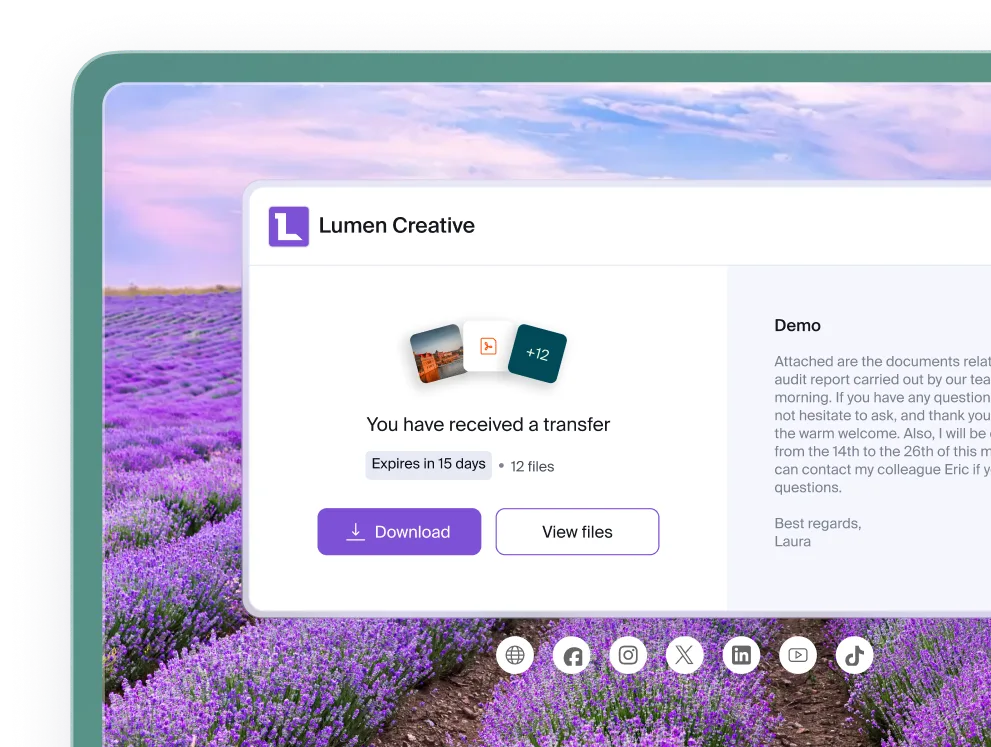
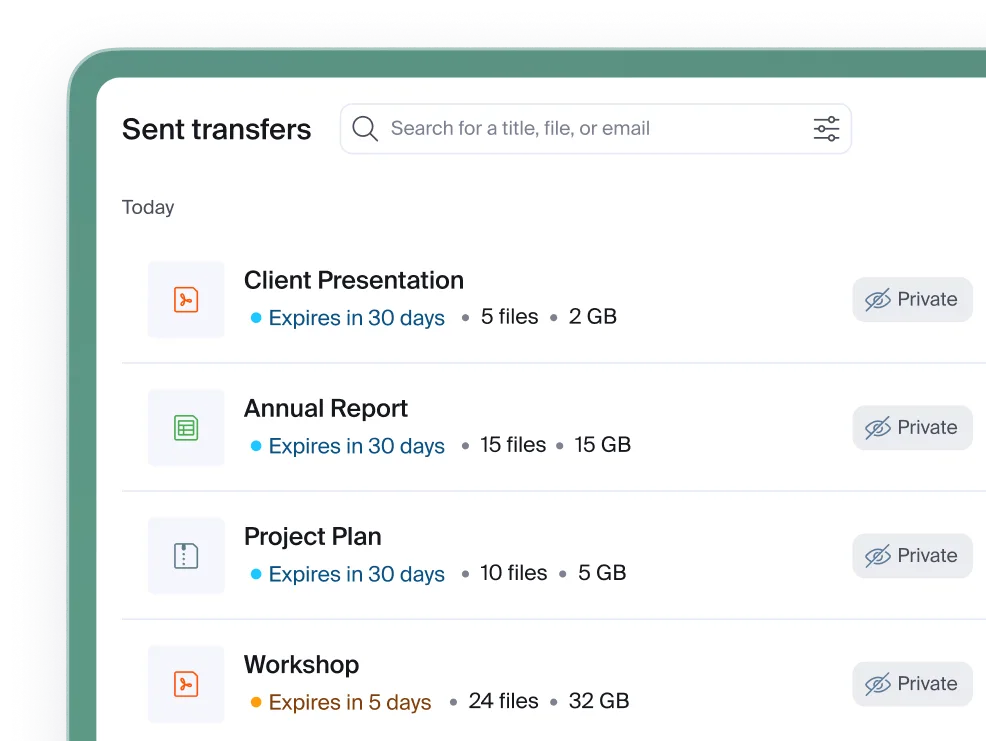
Keep the full picture
Find all your transfers and their history in one place, for a clear view of the files you have shared.
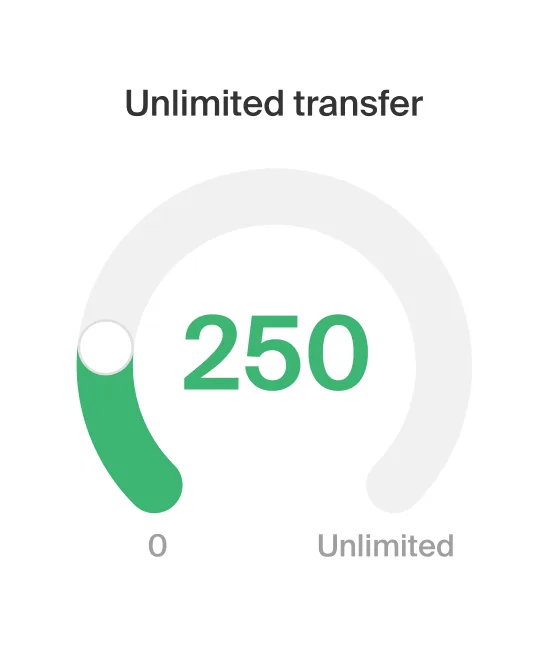
Share without limits
Let your recipients download your files as many times as they need, with no download limit.
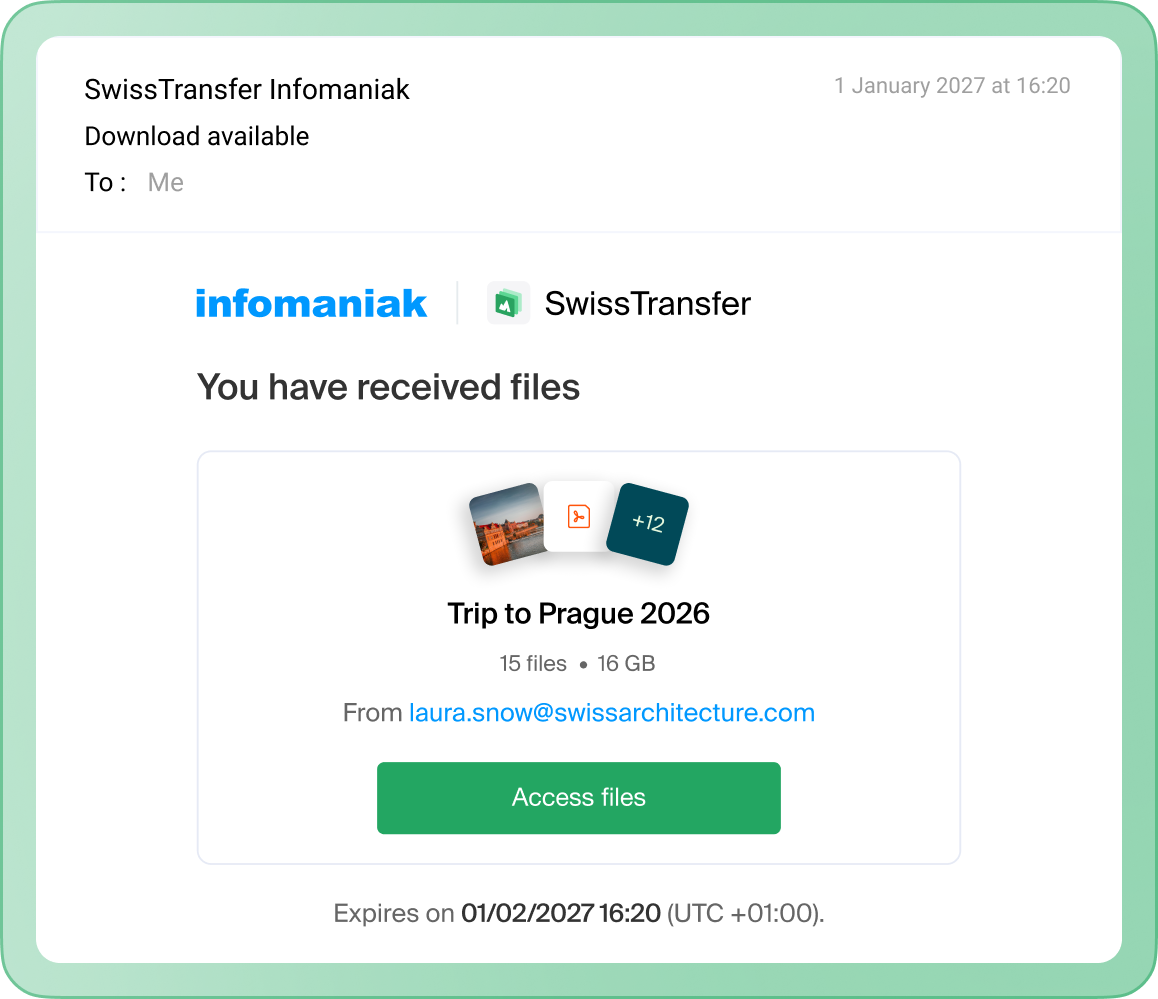
Send files that are too large for email
Email services cap attachment sizes, usually at around 20 to 25 MB. A video, photo folder, design project or backup can exceed that limit immediately: the message is rejected or the attachment is truncated.
With a file transfer service, you do not send the file inside the message; you send a link to it. The email stays lightweight, the recipient's mailbox does not fill up, and the data is automatically deleted when it expires instead of sitting indefinitely in two mailboxes.
What types of files can be transferred?
You can transfer any type of file, with no format restrictions: photos, videos, documents, archives, audio files, databases, 3D models and project backups.
Files are not converted, compressed or altered: the recipient gets exactly what you sent, with the original quality and metadata intact.
How do I send multiple files or an entire folder?
You can select multiple files at once, including folders, by dragging and dropping them.
For a large transfer, splitting and compressing it beforehand remains best practice.
This reduces the total size, preserves your folder structure and saves the recipient from having to download dozens of items manually.
How do I send a large file with SwissTransfer?
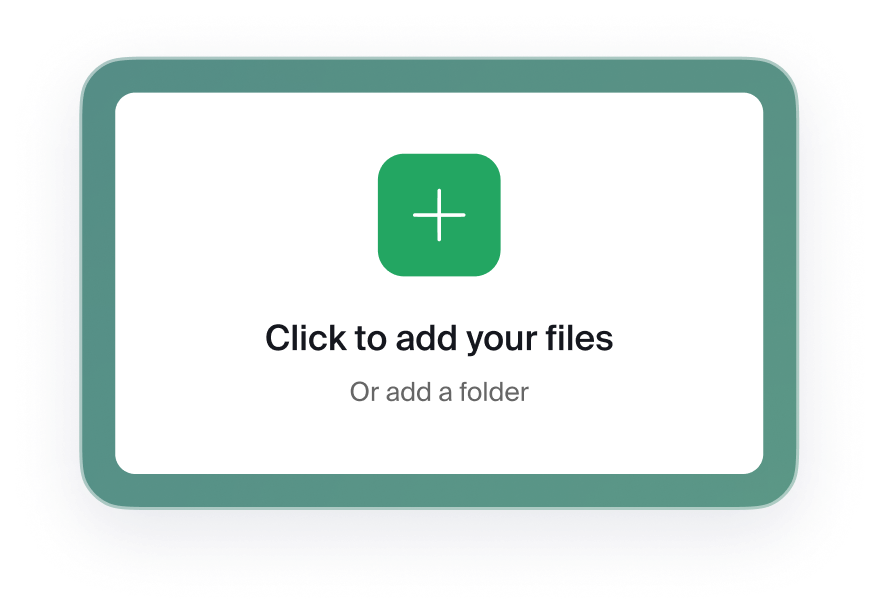
Add your files
Drag and drop your files, documents, photos or videos, or select them from your device. You can add multiple files as long as the total remains under 50 GB.
Configure the transfer
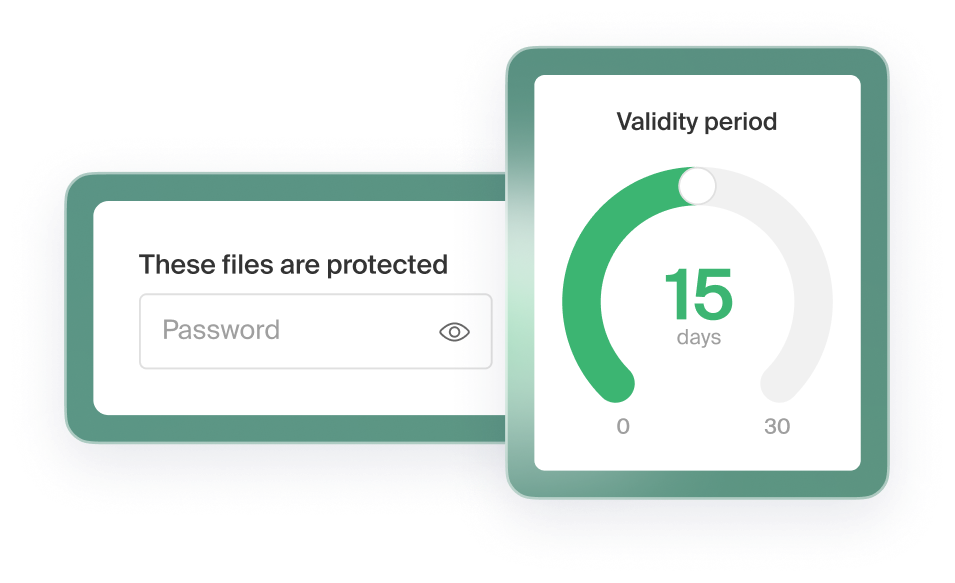
Three settings determine who can access the files and for how long: the link availability period, an optional password and the maximum number of downloads.
Share a link or email
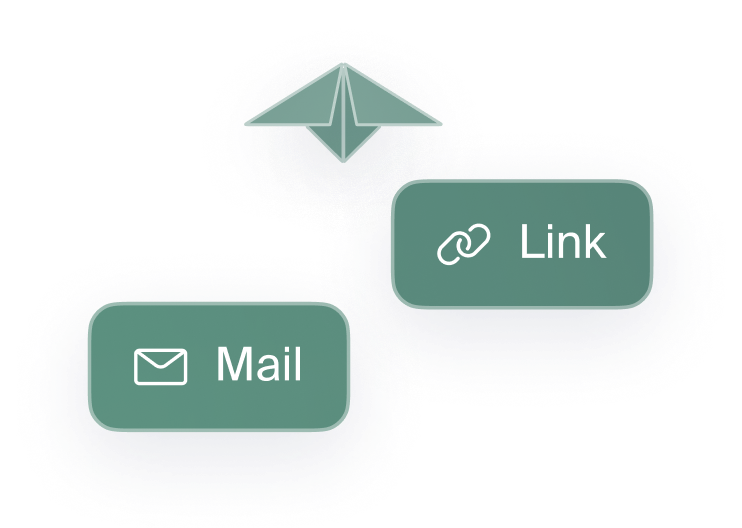
Copy the download link and send it through the channel of your choice (instant messaging, SMS, WhatsApp, internal chat or support ticket), or enter the recipients' addresses and let SwissTransfer send the email for you.
What does the recipient need to do?
Nothing to install and no account to create. The recipient opens the link and downloads the files one by one or all at once using the “Download all” button, which generates a .zip archive.
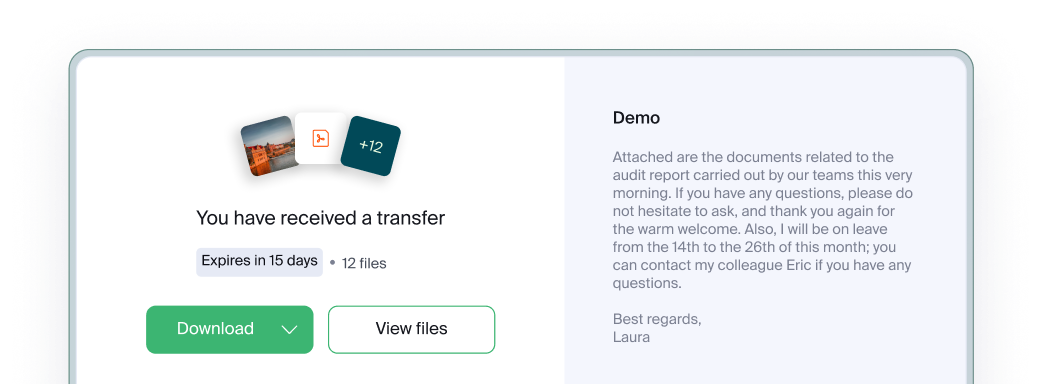
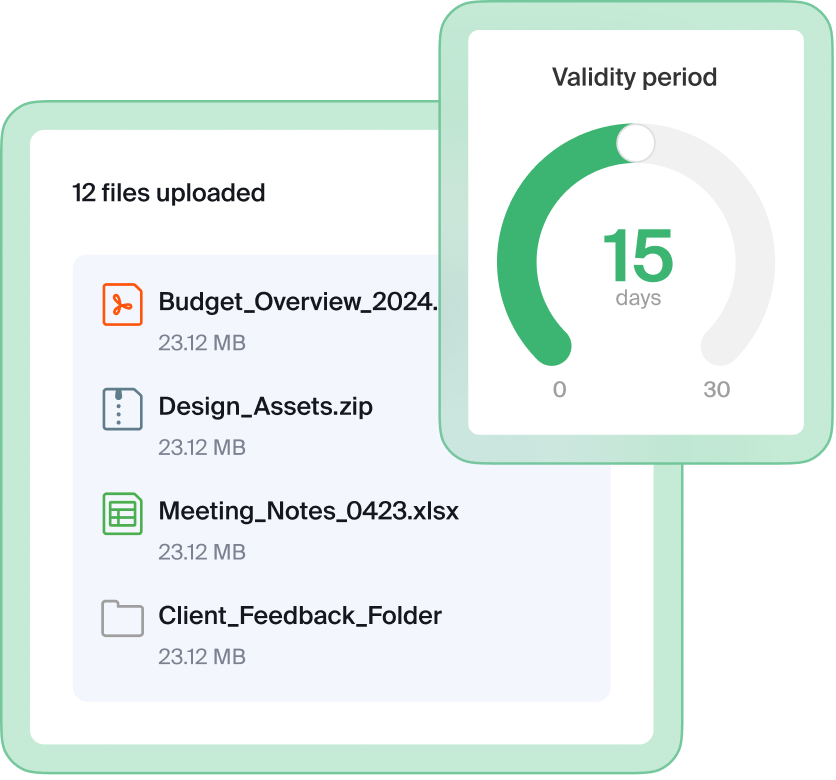
How long do files remain available?
The availability period is chosen when sending, up to 60 days with SwissTransfer Enterprise. When it expires, the files are automatically deleted and the download link stops working.
Once deleted, your files are no longer accessible on our servers, reducing the risk of exposure.
To keep and work on files over time, a storage solution such as Infomaniak's kDrive is the right tool.
How do I secure a file transfer?
Four settings you can combine depending on how sensitive the files are.
Password
The recipient must enter it to access the download.
Download limit
You set a maximum number of downloads.
Controlled availability
For a sensitive document, a few days of availability is better than a full month.
Encryption
Files are protected during transfer and encrypted as soon as they reach the server.
Where are files sent with SwissTransfer stored?
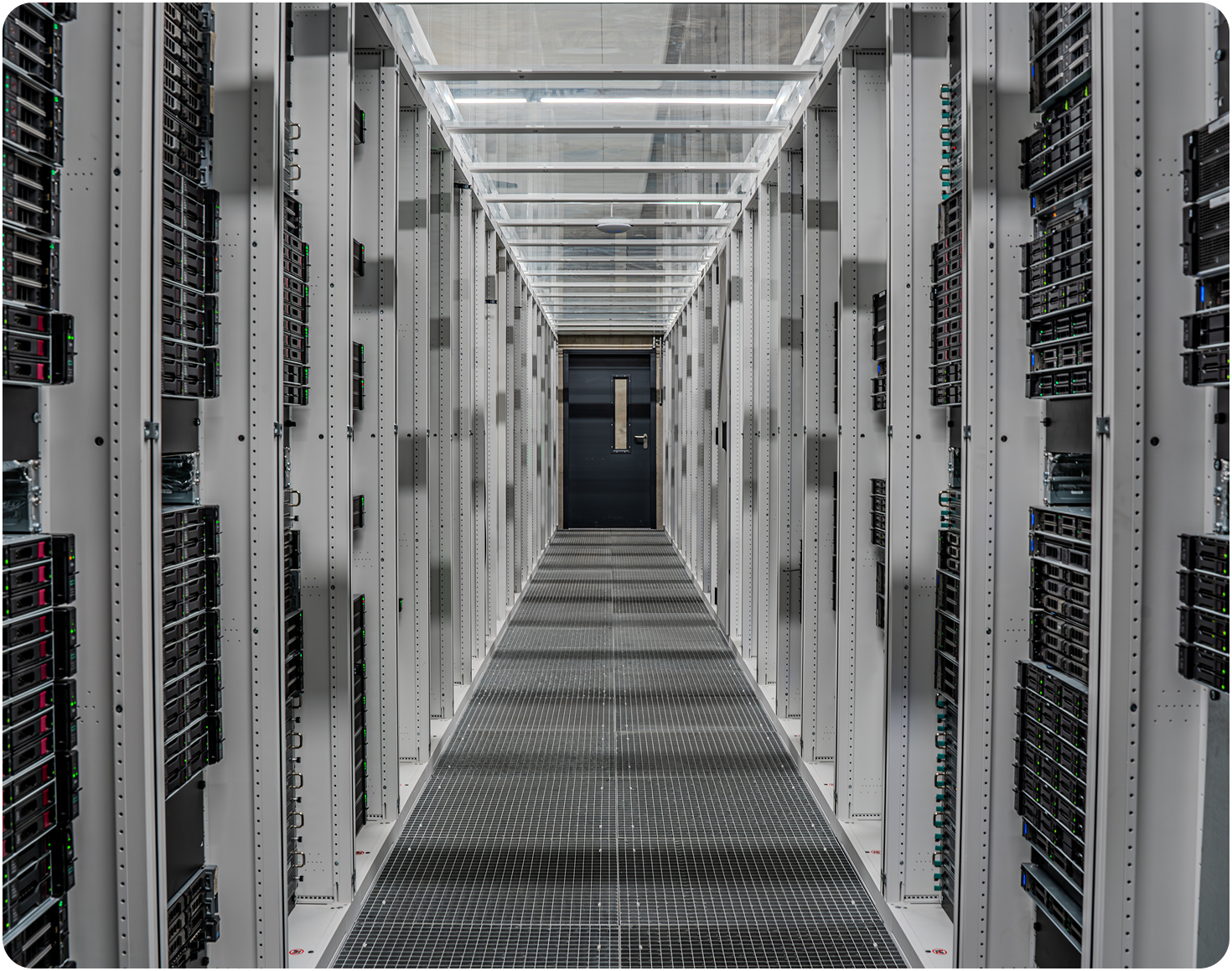
Exclusively in Switzerland, in Infomaniak's data centers. No outsourcing to a third-party infrastructure provider, no transit outside Switzerland, and technical teams based in Switzerland, at the heart of Europe.
- File contents are not used.
- Data is not resold.
- No licence is granted to use transferred content: your files are not used to train artificial intelligence models.

File transfers and energy impact
A temporary transfer replaces duplicated attachments that may be kept for years in multiple mailboxes: a single copy is stored and then deleted when it expires.
The Infomaniak data centers hosting SwissTransfer run on 100% renewable electricity and without air conditioning. Heat generated by the servers is captured by closed-loop heat pumps, without water consumption, and then fed into the district heating network.
6,000
homes heated in winter at full capacity.
20,000
showers in summer at full capacity.
For anyone who needs to send files
SwissTransfer is designed for anyone who needs to transfer large files, whether occasionally or every day.

Photographers and videographers
Deliver a wedding shoot in RAW, a batch of 4K footage or a final edit without lossy compression.

Agencies and studios
Send a design mock-up, video master or brand kit to a client who does not want to install a tool or create an account.

Architects, engineers and engineering firms
Share plans, renders or large models with multiple stakeholders on the same project.

Businesses, freelancers and associations
Circulate tender documents, accounting exports and project archives while retaining control over where they are stored.

Public administrations and schools
Share large documents within a clear Swiss and European legal framework.

Individuals
Send holiday photos, a family video or an administrative file without filling up your contacts' mailboxes.
Frequently asked questions
Everything you need to know to send files easily with SwissTransfer.
Upload your files to swisstransfer.com, set the availability period and protection, then share the link or enter the recipients' addresses. Up to 50 GB, with no account and no charge.
* The 60-day validity option is available only with the SwissTransfer Enterprise plan.